
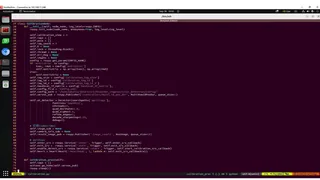
ROS is an open-source framework that simplifies the development of robot applications by providing a unified communication system and flexible hardware abstraction layer. With its extensive libraries, ROS makes it easier to build, test, and deploy a wide range of robotic applications. It’s a great choice for developers looking to create advanced robot systems.
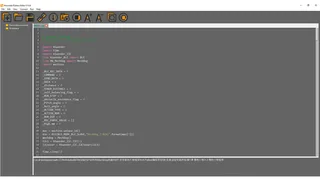
Python Editor is a comprehensive IDE for MicroPython, offering features like syntax checking, file downloads, and device management. It’s designed to help makers and engineers quickly develop and debug their robot projects.
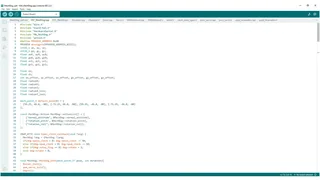
The Arduino IDE is a powerful tool for programming platforms like Arduino UNO/NANO and ESP32. It simplifies the process of learning C/C++ programming and controlling microcontrollers with open-source libraries. It is ideal for rapid prototyping and project development.
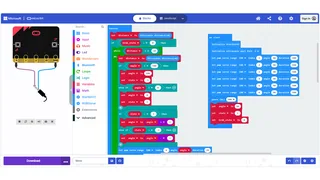
MakeCode is a block programming online platform developed by Microsoft. It’s perfect for beginners, especially K-12 students, as it allows users to easily learn programming concepts and robotics without needing to install any software. With its rich courses, MakeCode helps users to get started with robotics and coding.
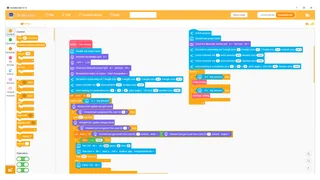
WonderCode is a graphical programming tool that supports MicroPython. It comes with built-in robot extension libraries and a variety of sensor modules, making it ideal for both beginners and experienced developers. Users can program by either dragging and dropping blocks or directly editing code.