Understand a robot arm,
from connection to training.
Ten field-tested chapters arranged as a path you can read in order or dip into when you need an answer. Every key concept has a hands-on lab beside it.
Not started
Start with Chapter 1; about 25 minutes gets the arm connected.
From 50 demonstrations to one grasp
A real pick-and-place training record: collection, QC, dataset build, ACT training, then real-robot inference from the 30k checkpoint. The full 24-second inference run is in the video.
Training log →Four tracks, ten chapters
Read in order if you are new; jump straight to the chapter you need if you are not.
Ten chapters, one complete chain
Meet and Connect the Robot Arm
Start from the control chain, install the right dependencies, find both serial ports, and connect to simulation or the real arm.
Robot Arm Joints
Six servos, five degrees of freedom: what each joint does, why the limits keep a margin, and the most common misconceptions.
End-Effector Pose
Position plus orientation, the five pose components, the base frame and TCP, and why the same path has joint and line variants.
FK and IK
FK always has a unique solution; IK iterates and can fail. Read residuals, solver settings, seeds, and failure diagnostics.
Arrival Checks
Fixed time, joint arrival and end-effector pose criteria; measured time, deviation and path length for six configurations.
Leader-Follower Teleoperation
The 30 Hz read-offset-safety-write chain; recommended absolute mapping, dual-arm calibration, live alignment and field troubleshooting.
Camera Calibration
Intrinsics and extrinsics, homography, nine-point calibration, ArUco boards, where the error comes from, and how to verify it.
Data Collection
What to record, how to choose between one and two cameras, how 30 fps is maintained, how the three timestamps align, and the LeRobot v3 file layout; both arms must be connected on the teleoperation page before recording.
Data QC
What the RGB, joint-angle and timestamp checks cover, how severity is decided, and a complete QC workflow.
Model Training and Inference
Build a dataset, train ACT, run offline dataset inference at the model's chunk cadence, check overfitting on a held-out test set, read the loss/l1 curves to judge training, plus the inference interval, joint speed and safety parameters for the first real-robot run.
Ten hands-on labs
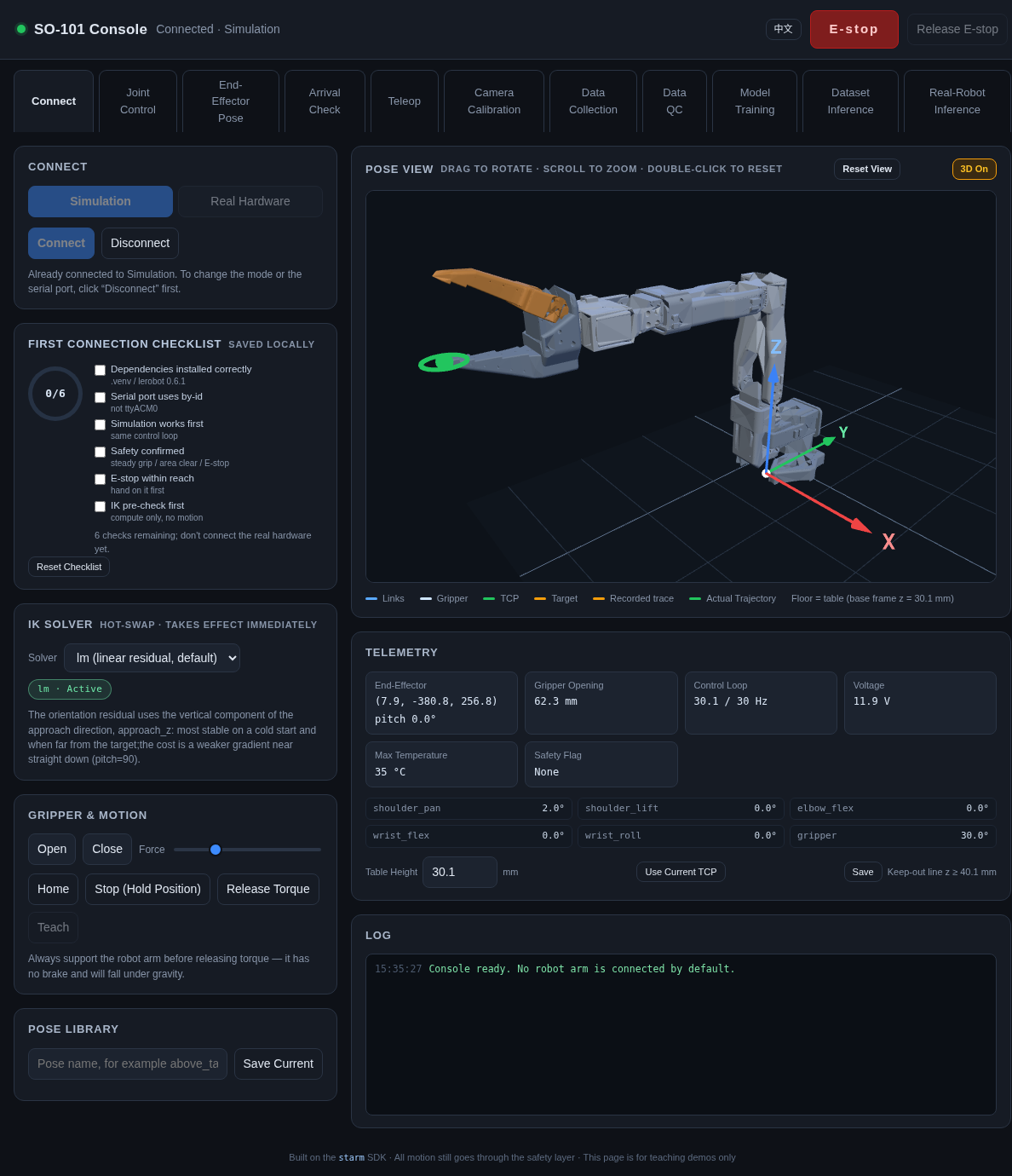
Not static diagrams: the joint workbench uses the real URDF transforms.
Read it, then run it
Every screenshot comes from the real console; the lab skeletons use the same URDF.